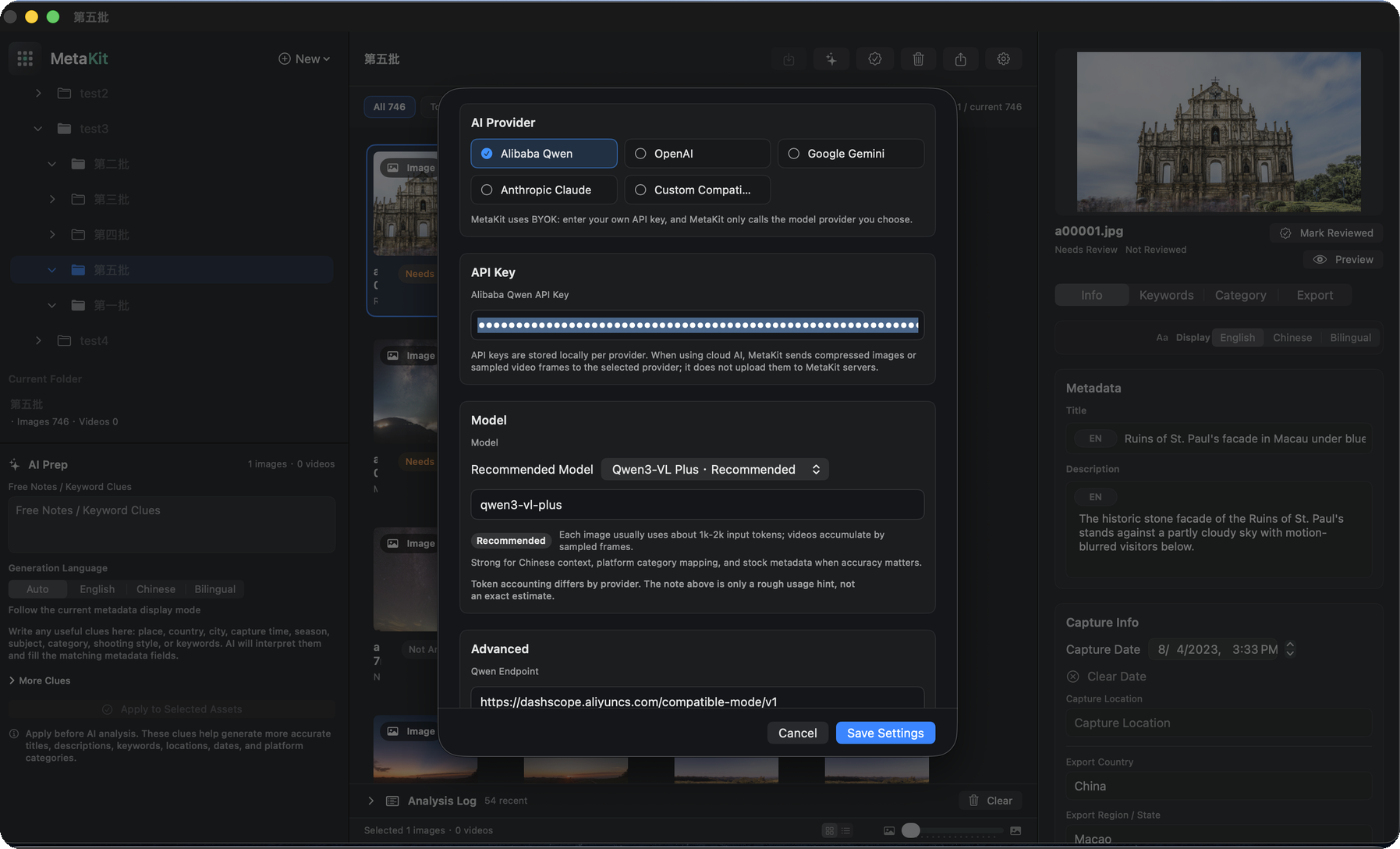
INTRODUCING METAKIT
The Intelligence Behind Every Asset.
A local-first AI metadata workbench for macOS. Built for photographers, video creators, and stock contributors who need clean metadata without handing over their archive.
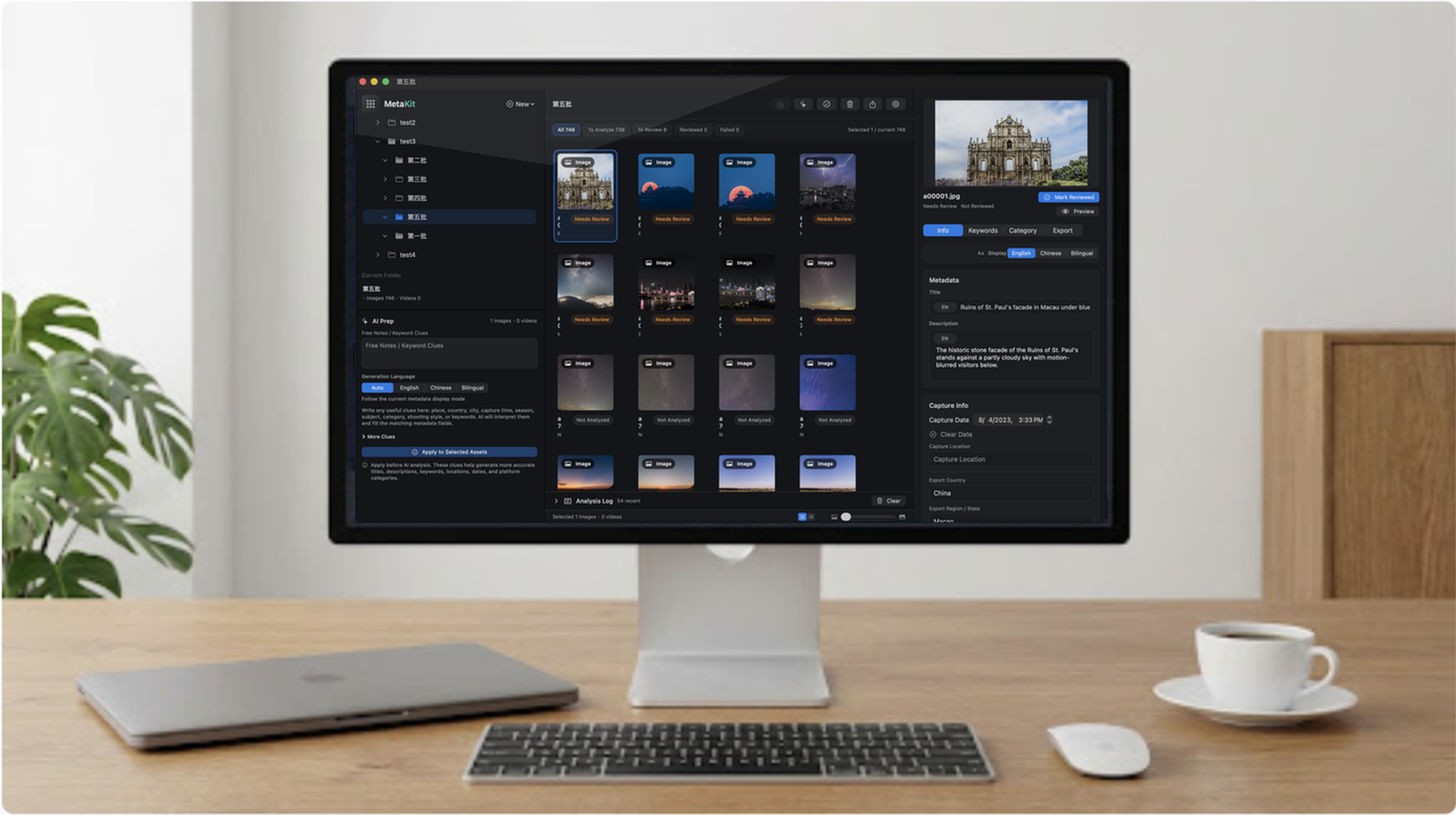
01 / LOCAL-FIRST
Your files stay where they belong.
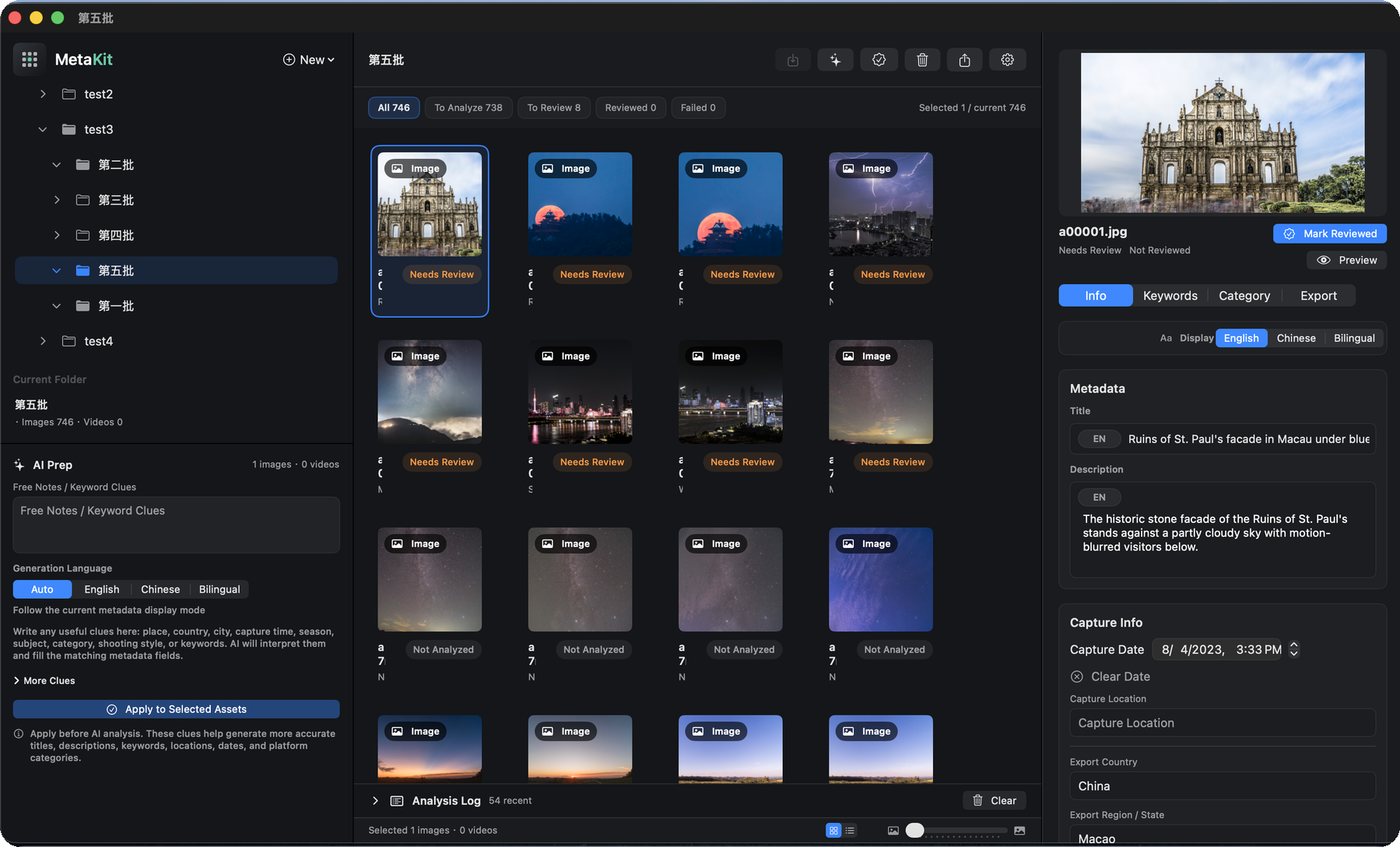
Browse projects and local folders directly from your Mac or external drives. MetaKit focuses on the metadata layer without taking ownership of your archive.
- Project and folder views
- Images and videos
- Original files remain untouched
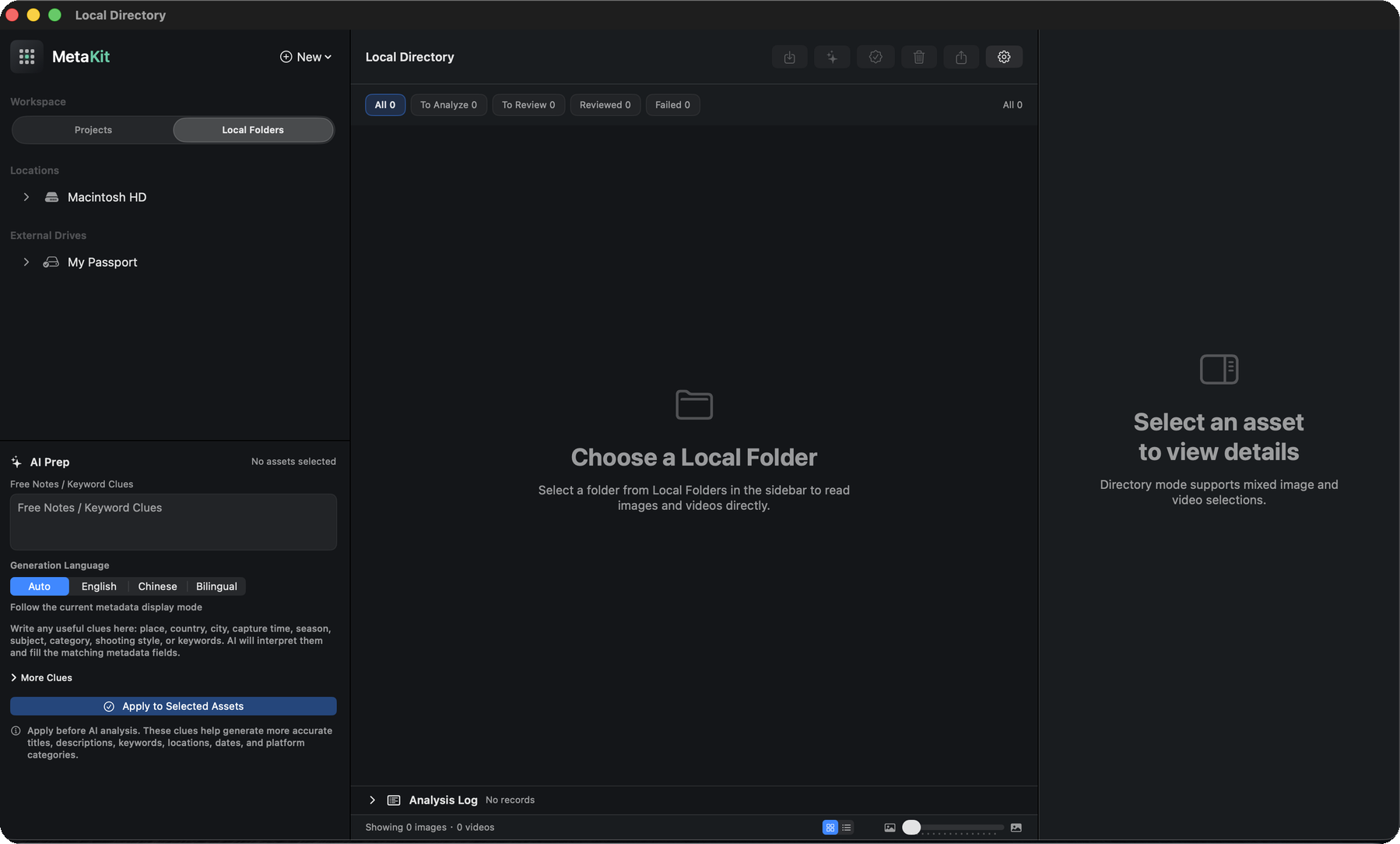
02 / AI DRAFT
AI drafts the metadata. You keep the final call.
Generate titles, descriptions, keywords, categories, and location hints with your own AI provider, then review every result before export.
- Title and keyword generation
- Representative video frame analysis
- Review before export
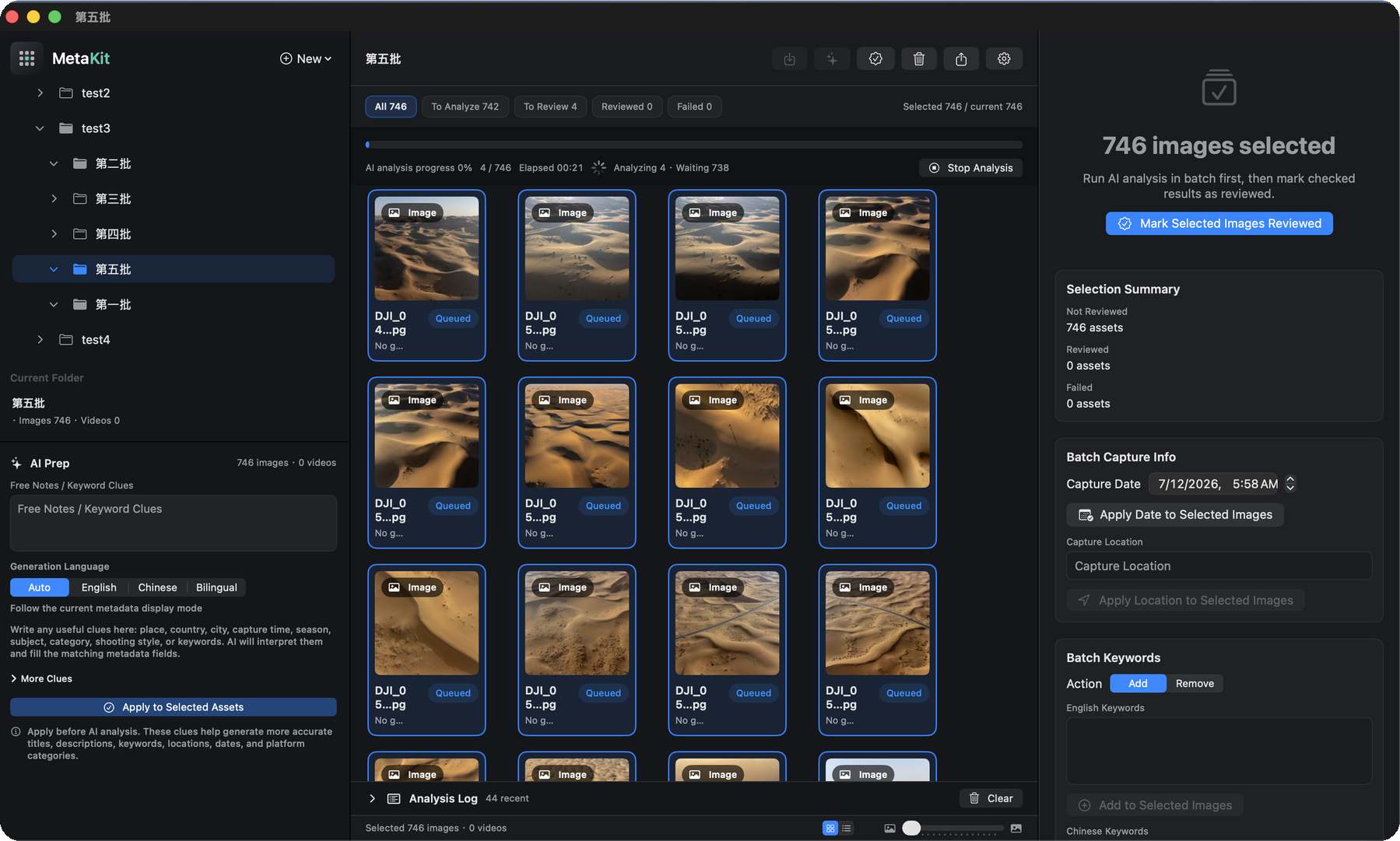
03 / BILINGUAL
Built for global and local marketplaces.
Create English, Chinese, or bilingual metadata for international stock libraries and Chinese platforms without rewriting the same batch twice.
- English / Chinese / bilingual
- Marketplace-ready fields
- Less repetitive editing
04 / EXPORT
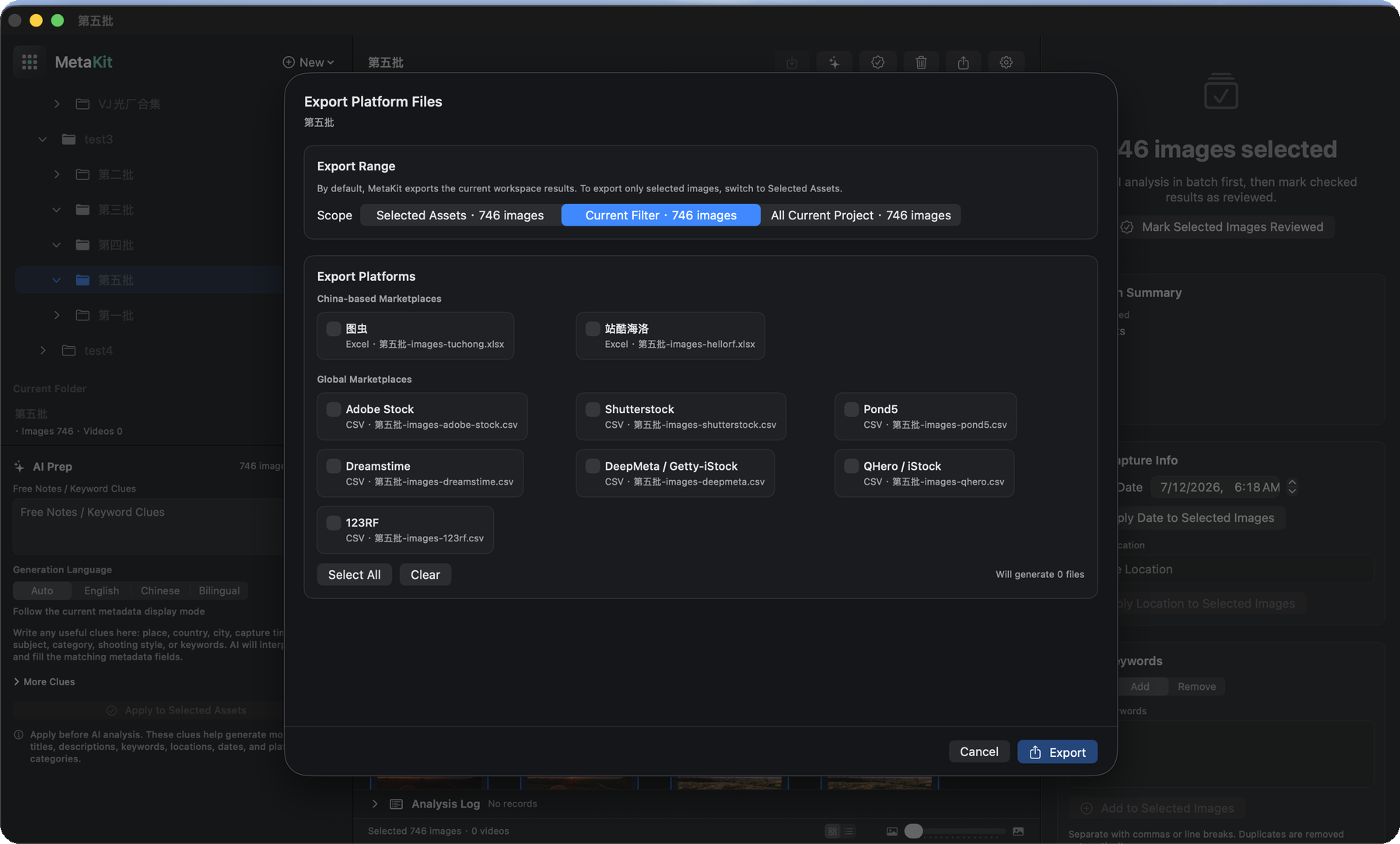
From reviewed results to platform files.
When a batch is ready, export structured CSV or Excel files for Adobe Stock, Shutterstock, Pond5, Dreamstime, 123RF, and more.
- CSV / Excel output
- Batch export
- Stock submission workflow
PRIVACY & CONTROL
Local-first by design.
MetaKit has no own cloud account system or backend. AI analysis sends downsampled images or representative video frames only to the AI provider you choose.
- Bring your own OpenAI, Qwen, Gemini, Claude, or compatible provider key.
- Review and edit metadata before any export.
- MetaKit does not write back to or modify your original files.